

Worked example
You’ve gathered household details, itemized deductions and credit amounts. Keep each amount with its source record.
Walkthrough
-
Start with your household
In Income & expenses, open Dependents, deductions & credits. Enter the number of dependents in Household. Use your records for the credit amounts below.
-
Separate deductions and credits
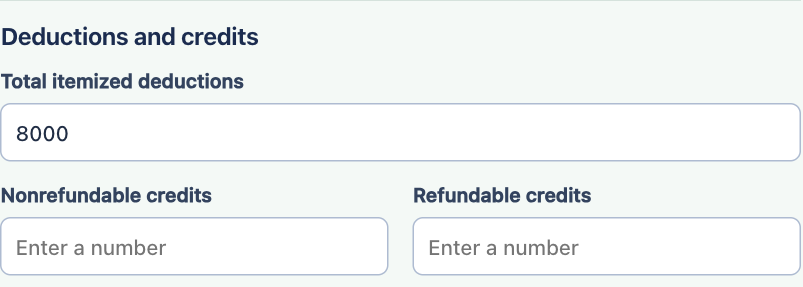
Enter the itemized deduction total in its field. Use the separate fields for refundable and nonrefundable credits.
 Open full-size image ↗
The deduction total and the two types of credit each have their own input. -
Review related income
Check the remaining fields against your records, apply the form and recalculate. Save a draft if the credit breakdown is incomplete.
This guide opens in its own tab. Close it to keep working in the tab where you started; your entries stay there.