

Worked example
Your log shows 100 business miles in the first half of the year. Your bookkeeping expenses already include costs for the same vehicle.
Walkthrough
-
Split the log by date
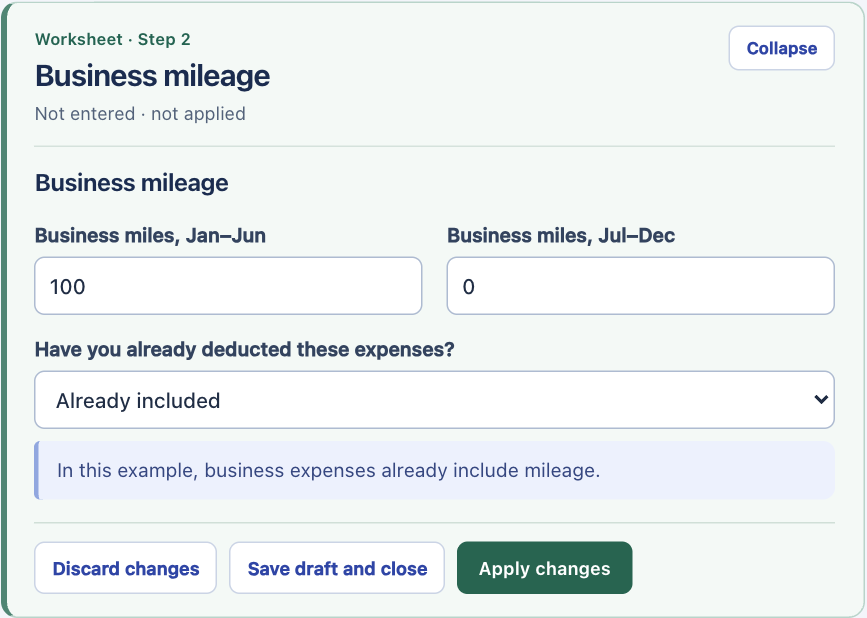
Open Business mileage and add business miles by half-year. For this example enter 100 in the first half and 0 in the second.
-
Check for costs already included
For this example, choose Already included under Have you already deducted these expenses? Select Apply changes to record the mileage without deducting those costs again.
 Open full-size image ↗
The mileage entries sit alongside the question about vehicle costs already in expenses. -
Check the saved treatment
Apply the form and read the mileage status on the original step. If the method changes later, review profit and recalculate.
This guide opens in its own tab. Close it to keep working in the tab where you started; your entries stay there.