

Worked example
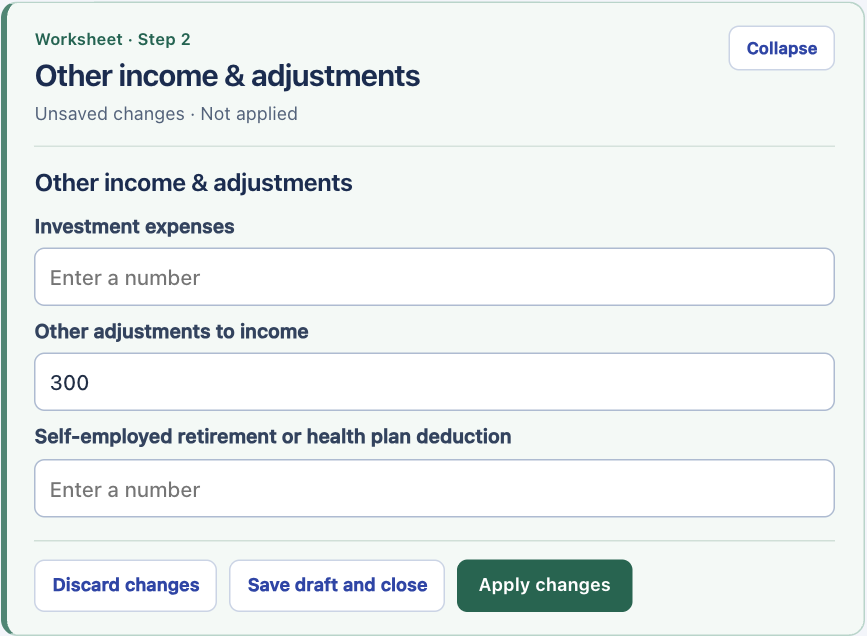
Suppose you have $300 in documented adjustments that you have not included in your income or expense totals.
Walkthrough
-
Check what you already entered
In Income & expenses, check what you already included in your business expenses. Open Other income & adjustments under Worksheets for this step.
-
Match the adjustment to its field
Use the matching category for investment expenses, other adjustments or a business retirement or health plan. In this example, enter $300 in other adjustments.
 Open full-size image ↗
Separate inputs help you keep the same expense from appearing in two places. -
Apply when ready
Save a draft if you need to look something up. Apply the completed form, then check the updated estimate.
This guide opens in its own tab. Close it to keep working in the tab where you started; your entries stay there.