

Worked example
You want to compare installment methods. Prepare year-to-date figures through March 31, May 31, August 31 and December 31.
Walkthrough
-
Choose a period
Open Seasonal income & annualization. Choose Mar 31 to start. Use each later cutoff to enter the total from January 1 through that date.
-
Enter cumulative figures
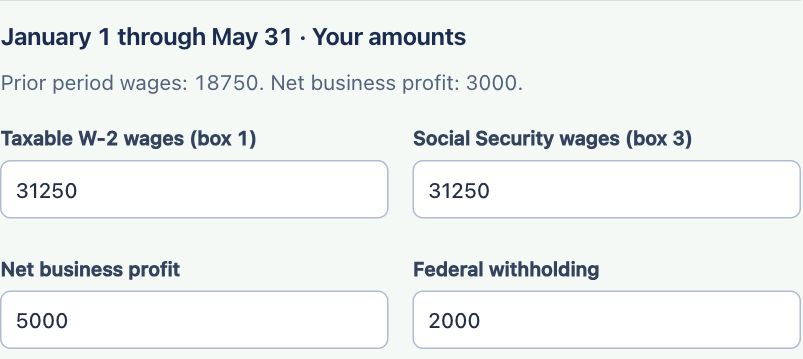
For each period, enter wages, Social Security wages, net business profit and federal withholding through that cutoff. Read the previous period’s figures before entering the next set.
 Open full-size image ↗
The May period includes January through May, including figures already in the first period. -
Check all four periods
Select Review all four periods and compare the December figures with your annual totals. Correct any flagged fields and select Apply changes. Return to Results to review the installment comparison.
This guide opens in its own tab. Close it to keep working in the tab where you started; your entries stay there.