

Worked example
You paid $200 to the IRS in April and want to see where it lands in your schedule. Have the payment confirmation and the tax authority’s name in front of you.
Walkthrough
-
Open the payment record
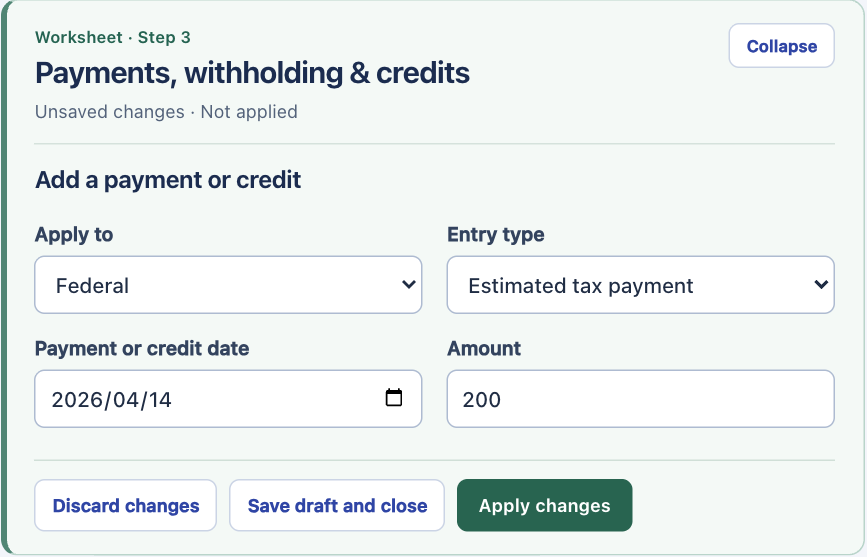
In Tax payments, select Add or review payments. Under Apply to, choose Federal for an IRS payment or the state shown on a state receipt.
-
Enter the actual payment date
Choose Estimated tax payment. Enter April 14, 2026 and $200, then select Apply changes. Use the date on your confirmation even if you scheduled the transfer earlier.
 Open full-size image ↗
This example records one federal payment with a specific date. -
Read the updated schedule
Return to Results, recalculate if prompted, then expand the installment schedule. Check the federal row for the applicable period before adding another record.
This guide opens in its own tab. Close it to keep working in the tab where you started; your entries stay there.