

Worked example
Use your confirmation for a $200 payment made on April 14, 2026. A planned payment and a completed payment have different effects on the estimate.
Walkthrough
-
Choose the authority and record type
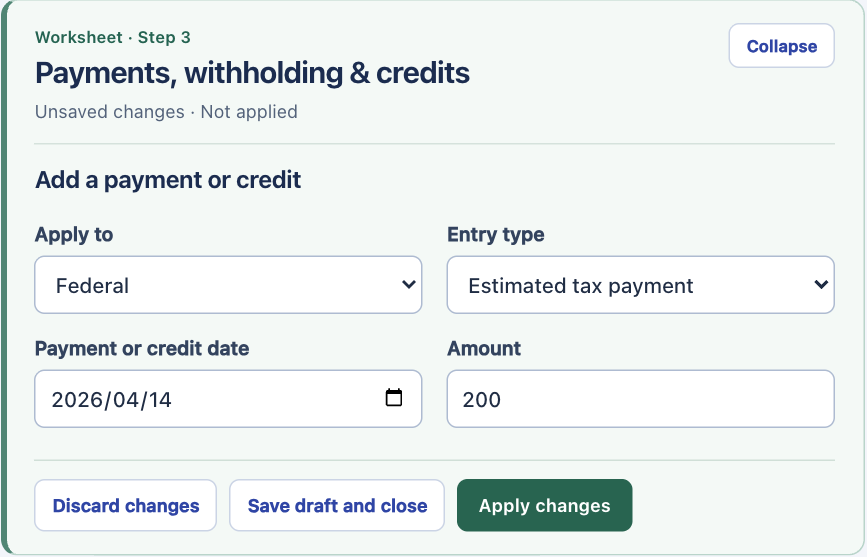
Under Payments made and planned in Tax payments, select Add or review payments. For this IRS receipt, choose Federal under Apply to and Estimated tax payment under Entry type. Other entry types include Paycheck withholding and Prior-year refund applied.
-
Enter the amount and actual date
Copy $200 and April 14 from the receipt. Review the year, then apply the record.
 Open full-size image ↗
A completed payment includes a positive amount and the date it was paid or credited. -
Find the saved record
Return to Tax payments and check the entry once. Recalculate the affected result if it shows that inputs have changed.
This guide opens in its own tab. Close it to keep working in the tab where you started; your entries stay there.