

Worked example
A side project raised your projected income. You’d like to see what additional federal withholding would look like over the remaining paychecks.
Walkthrough
-
Choose your withholding method
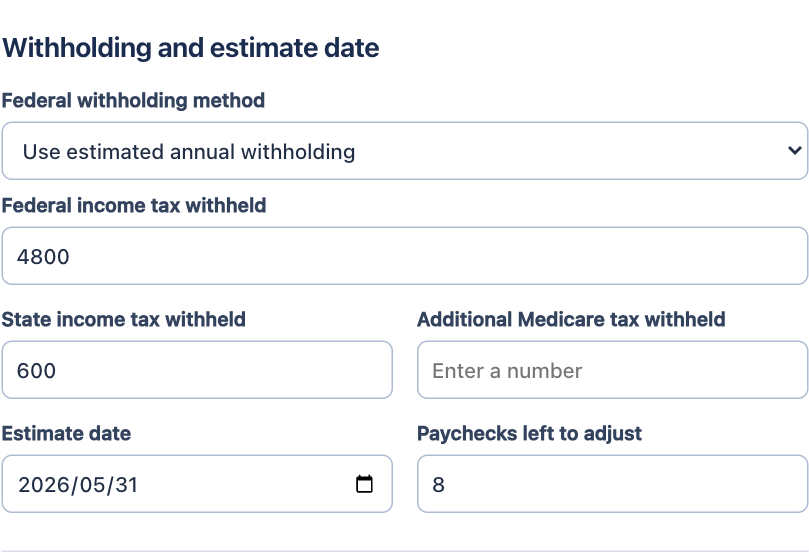
In Tax payments, choose Use estimated annual withholding or Use withholding from individual paychecks, depending on your records. Enter your state withholding separately.
-
Count the adjustable paychecks
Enter 8 under Paychecks left to adjust if payroll can still change eight checks. Check your employer’s cutoff before counting the next paycheck.
 Open full-size image ↗
The paycheck count controls how the withholding suggestion is spread out. -
Review the withholding guidance
Select View estimate. In Results, expand Underpayment charges and W‑4 adjustments, then review your payment records and remaining paychecks. If you decide to change your withholding, submit the change through your employer’s payroll system.
This guide opens in its own tab. Close it to keep working in the tab where you started; your entries stay there.