

Worked example
You’ve confirmed the transaction batch and want a workbook plus the two tax-prep reference PDFs. Use the workspace associated with your active pass.
Walkthrough
-
Check the tax year and source
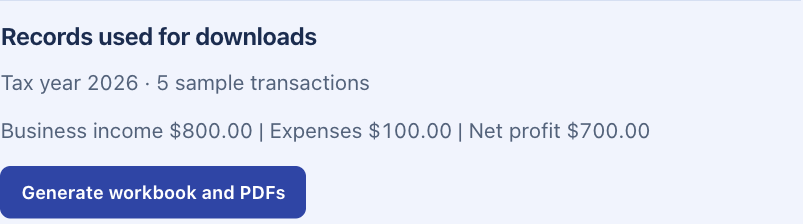
Open Tax prep downloads. Match the tax year and batch to the books you reviewed, then check income, expenses and net profit.
 Open full-size image ↗
The source summary identifies the batch behind the files you are about to generate. -
Generate the files
Select Generate workbook and PDFs. Keep the workspace open until all three download buttons are available. If you change the batch or mileage method, generate the files again.
-
Download the three files
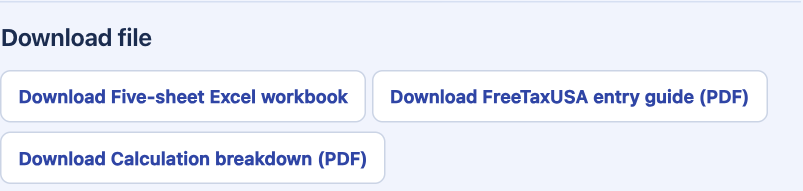
Download the five-sheet Excel workbook, the FreeTaxUSA entry guide, and the calculation breakdown. Compare the totals in the files with Records used for downloads.
 Open full-size image ↗
Each file has its own download control, so you can save just the documents you need.
This guide opens in its own tab. Close it to keep working in the tab where you started; your entries stay there.